EMMS and MP3 metadata
Or a masterclass in putting the cart before the horse
It's that time of the day/week/year where I conceive of some new thing that, with a kind of fanatical devotion to the idea that I must do it myself, bring to a tolerable state of completion before realizing that someone has offered a far more mature and developed solution to the same problem.
I find it curious that, when working on more substantial programming tasks, I do not hesitate to make use of other people's libraries, even when the apparent possibility of time saved is negligible. Yet, when I am merely tinkering and could better apply any time credited back to me by the previous labor of others, I decline the chance and decide, invariably, to reinvent the wheel.
The latest episode in this saga took place when I somewhat recently made the decision to take more control over my music listening habits. In another post, I'll provide some historical context for this decision. Here, it is enough to say that I have changed the primary medium of my musical input from streaming services to CDs. Physical media is becoming scarcer, it seems, almost by the day, and there is something I enjoy about picking out CDs and listening to them from beginning to end.
True, I did not undertake this mission in order to hand-roll CD burning
and playback tools: that's above my paygrade, I have no doubt. I
quickly settled upon the library cdparanoia to do the ripping, and
wrote a simple Bash script to automate the process for me.
I use the Emacs Multimedia System for playback. I really like the
Emacs-style keystrokes for doing simple edits to buffers and for
tweaking system settings. EMMS has some nice defaults and, like the rest
of Emacs, is easily configurable in Emacs Lisp. But I had a problem: all
the tracks added to my playlist were named like track0x.cdda.wav
because the CDs, it turns out, don't encode the titles or any other
information by default.
I mediated this issue by using a simple naming schema for my files: all
tracks were copied by the Bash script into a directory with a name like
<the-album-name>--<artist_name>. At least, then, I could see whose
songs I was picking. Still, it was rather ugly and slapdash, and I knew
I could do better.
But how? As it turns out, audio file metadata is how music players of various kinds keep track of the end-user-specific data about a song or an album, like the track's title, runtime, or a cover image. Editing this stuff by hand is tedious, because there are many different bespoke formats (typical, it seems, of just about every computing technology on the planet: proprietary explosion!) and I already have enough music that this would take quite a long time.
So I opted, after a little research, for a quick-and-dirty Python script to do the work for me. The Mutagen library offered a straightforward approach for this, which consisted mostly of adding key-value pairs to dictionaries and writing out the metadata. Then I turned to the meat-and-potatoes problem: where do I get this metadata from? Not even I, with my solid recall for dates, numbers, and names, can be expected to keep track of all this info. Musicbrainz has an API for this purpose, and there is a corresponding Python library that doesn't even require an API key or other authentication for performing lookups.
So, I set to work on this whole process of going through my growing library of ripped CDs, adding metadata from Musicbrainz, when I realized that Picard exists.
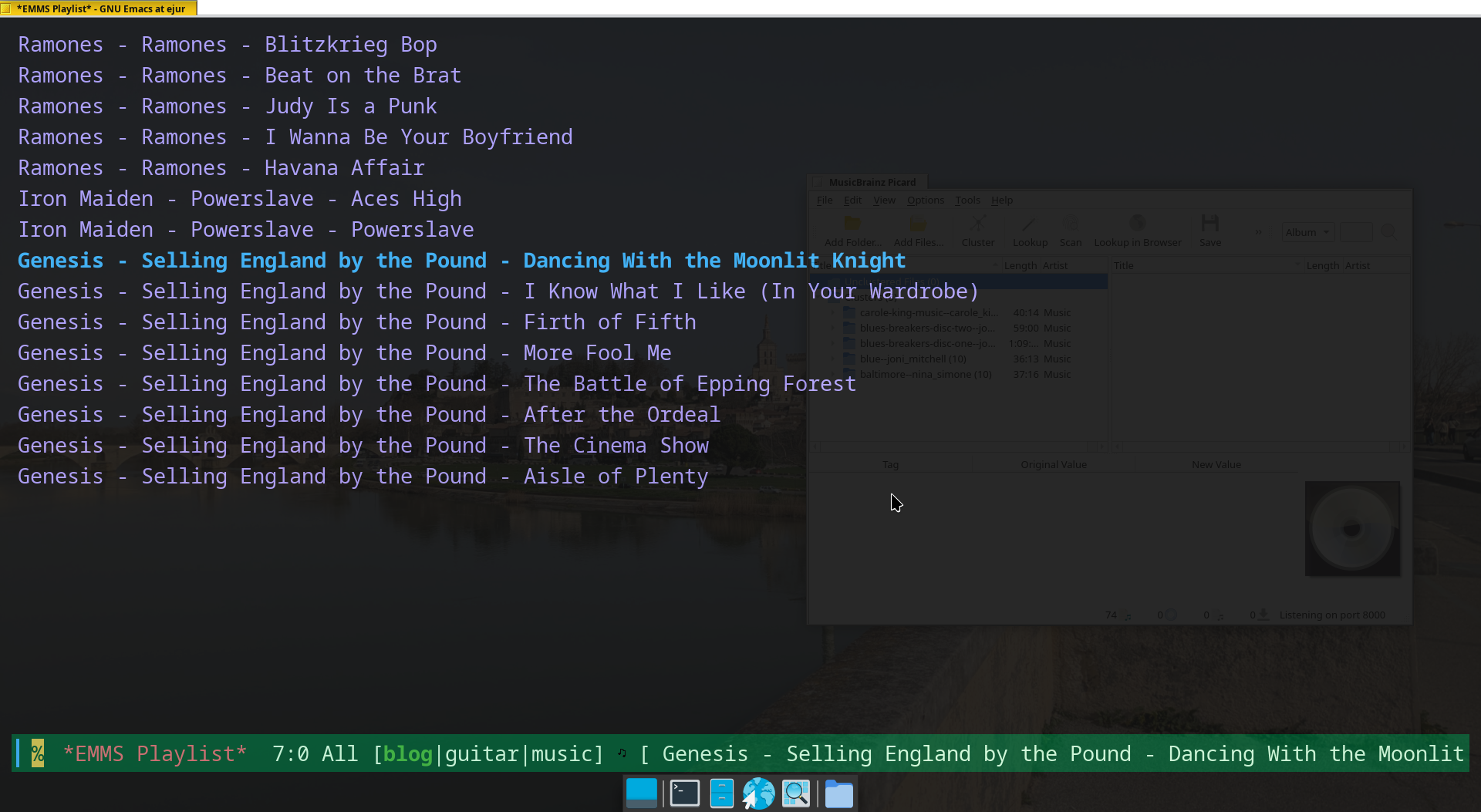
Now, with great ease, I can perform lookups using either the query tool or by placing a CD I already have in my drive and letting Picard resolve the metadata directly from that. In the first case, I have had reasonable success, and in the latter, each CD I have looked up has returned a unique and correct result. Pretty neat! Now my EMMS playlist looks like this: